
Frequently Asked Questions
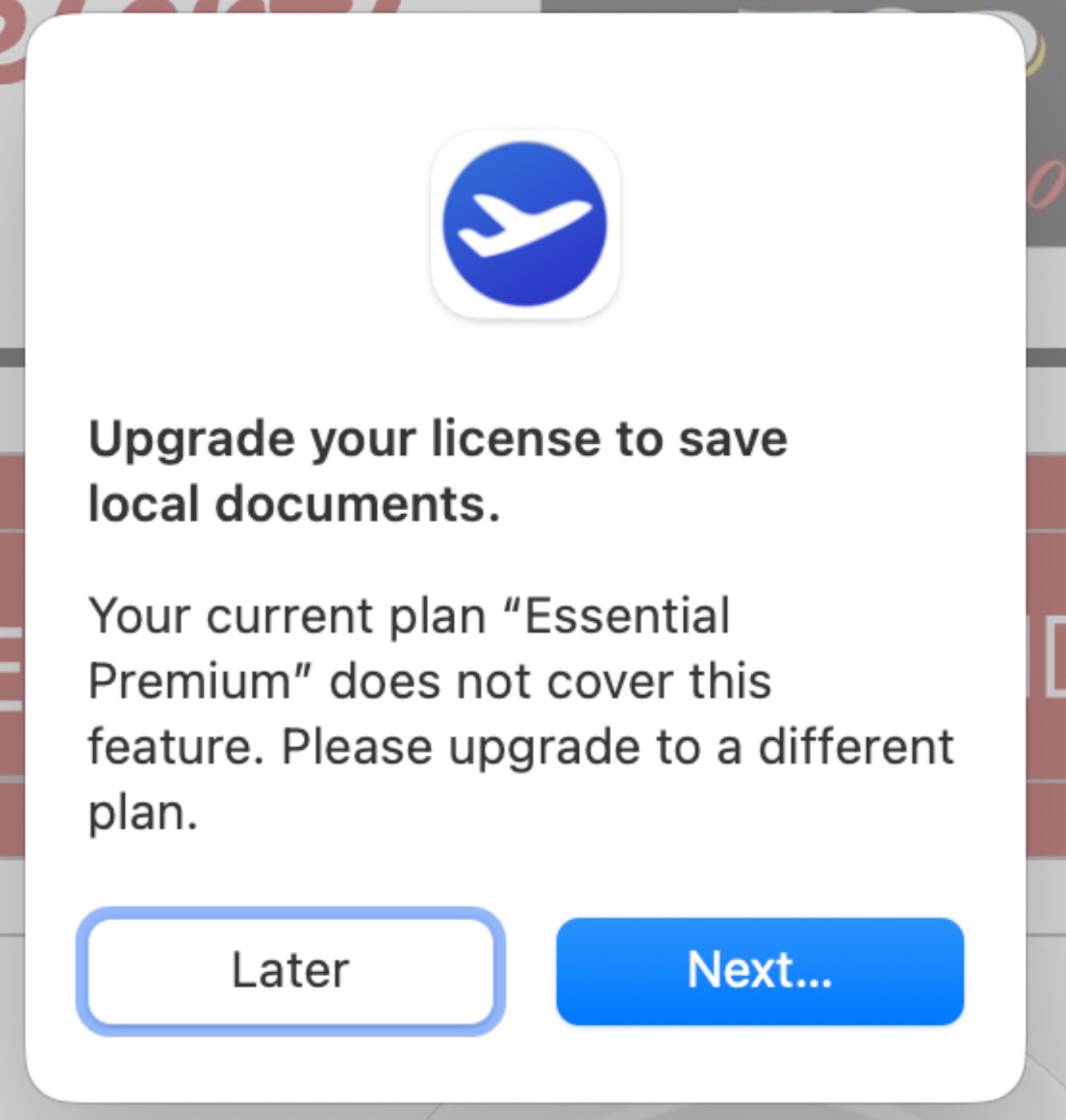
Users on the Mail Designer 365 Essential or Essential Premium Plan may encounter an error message when opening and attempting to save a locally stored document. The message states: "Upgrade your license to save local documents." This occurs because the Essential tiers are optimized for cloud-based project management, whereas advanced local file handling is a feature of our professional tiers.
Option 1: Use the duplication workaround
You can bypass the saving restriction by moving the file into your active project database:
- Open the local design file.
- Select File > Duplicate from the menu bar.
- Save this duplicated version directly into your Project Selection.
- Once saved as a project, you will be able to edit and save changes normally.
Option 2: Upgrade your plan
For a more seamless workflow that includes advanced permissions for handling local files and documents outside of projects, we recommend upgrading to a Business or Business Premium Plan. These plans are designed to provide greater flexibility for file management and professional design workflows.