Frequently Asked Questions
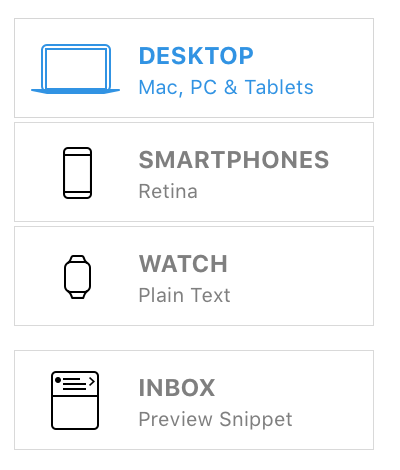
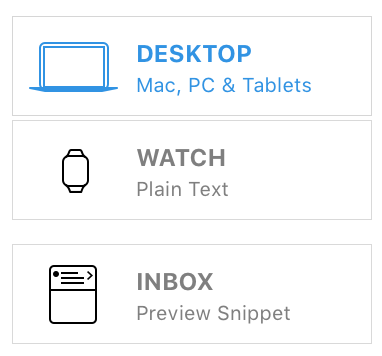
I only see the Desktop version of my Mail Designer 365 Newsletter. How do I activate the mobile version?
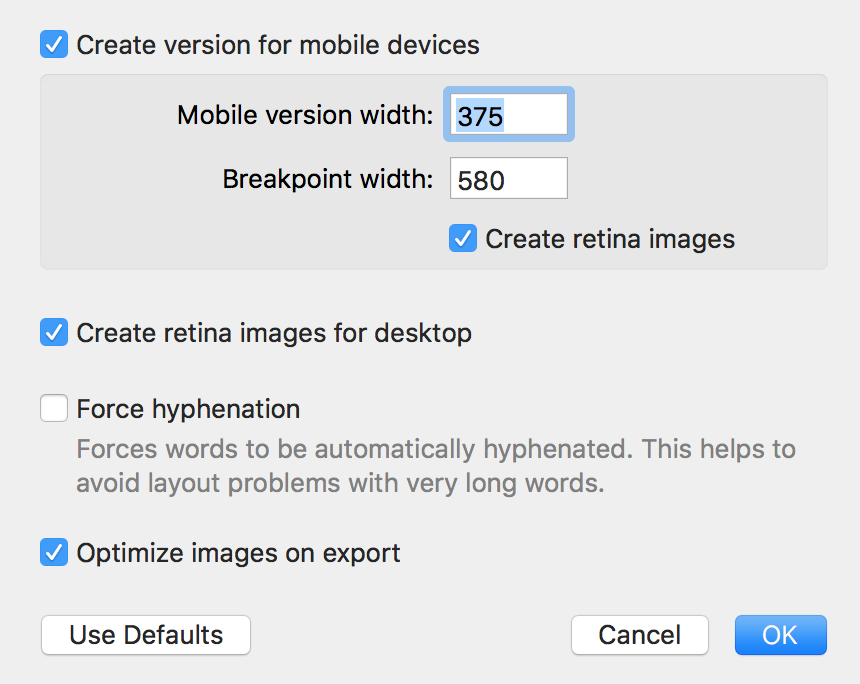
 To activate the mobile version of your email designs, please do the following:
To activate the mobile version of your email designs, please do the following:
‣ In the Menu, please select "File" > "Design options."Once you have done this, you should be able to see the mobile modified Desktop version and you will be able to edit the layout blocks of the mobile view.‣ Remove the checkmark next to "Create version for mobile devices." ‣ Press "OK." ‣ Then please repeat the same steps and activate the Checkbox again.