
Masks
For greater design flexibility, Mail Designer 365 includes masks that can be used to crop or resize a picture. You also add different frame designs and masking effects.
Go to Insert in the app sidebar and open the Masks tab to browse all designs:
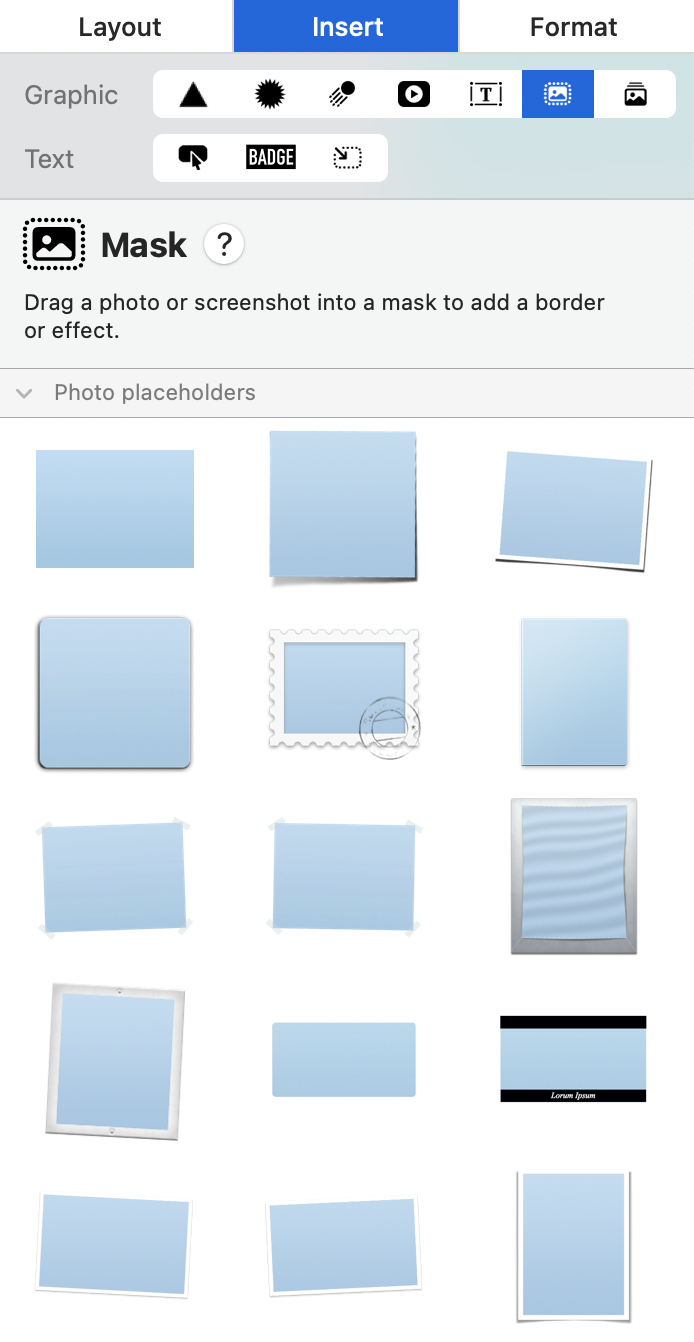
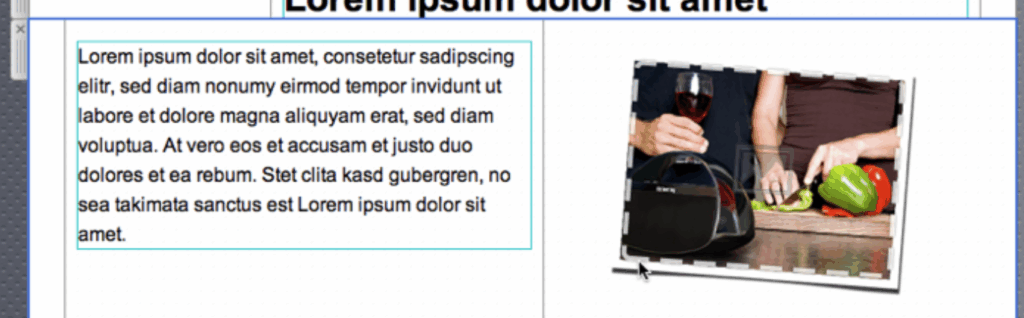
Pick the style you would like to use and drag it into your design. When you add a mask to your template, you can then simply drag your own photo onto it in order to apply it for your mask.
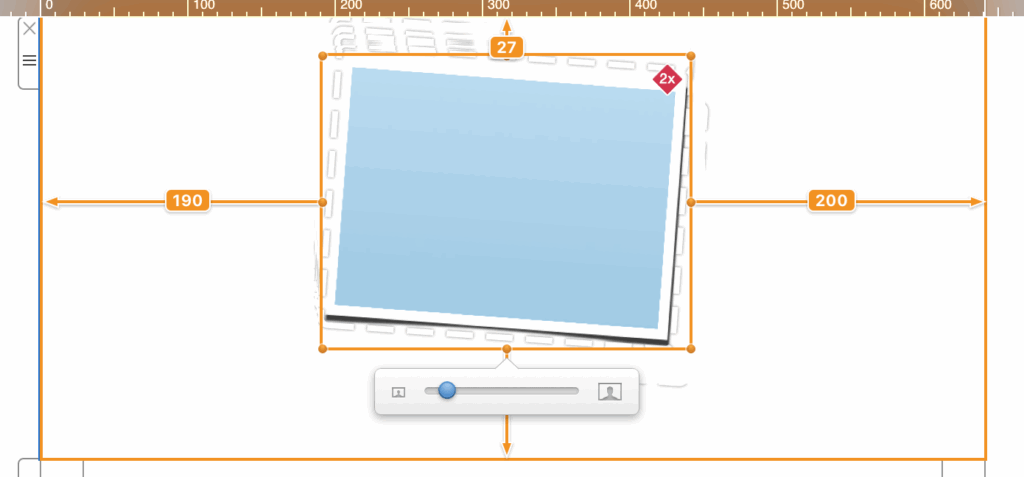
Double-click the image placeholder you just added. You'll see the image zoom slider which allows you to zoom in to your image:
How Can We Help?